NetBackup Upgrade, Version 7 to 10
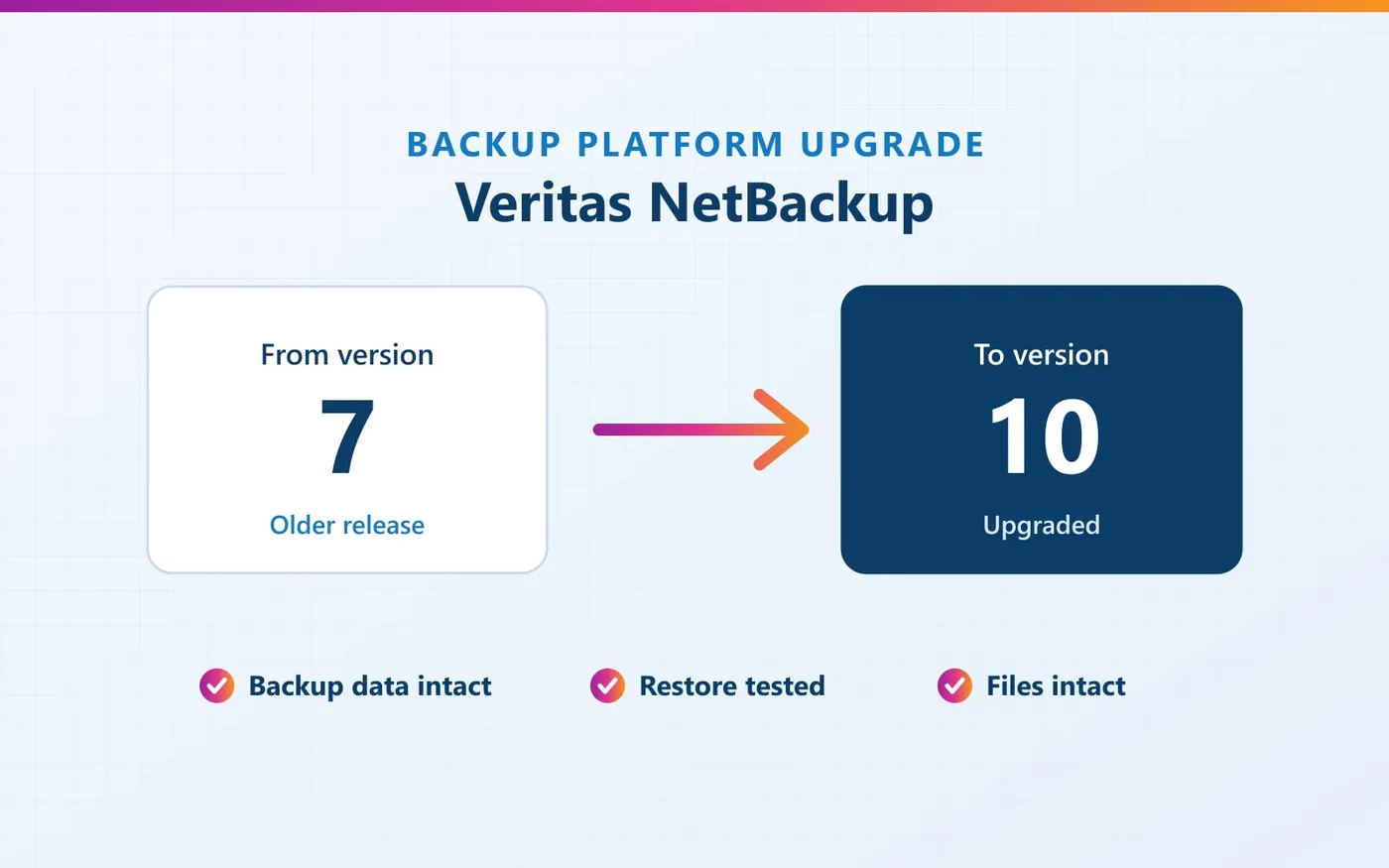
Veritas NetBackup upgraded from version 7 to 10 at a large IT organization, with existing backups intact and restores verified after the upgrade.
- Client
- Large IT organization
- Service
- Backup & Disaster Recovery
The requirement
A large IT organization was running Veritas NetBackup version 7 and needed to move to version 10 without putting its existing backup data at risk.
Scope of work
Upgrade of the NetBackup environment from version 7 to version 10, with the existing backup files preserved.
How we delivered it
We carried out the upgrade to version 10, then tested restores on the upgraded system to confirm that files and backups were intact.
The result
The organization now runs NetBackup 10. Restores work after the upgrade, and its files and backup data are intact.
About this project
A large IT organization was running Veritas NetBackup version 7 and needed to move to version 10. Its backups hold the data the business depends on, so the upgrade had to keep every existing backup usable.
MGK Unified upgraded the environment from version 7 to version 10 with no damage to the backup files. After the upgrade we tested restores on the new version: restores work, and the files and backup data are intact.
Why a backup upgrade needs care
A backup system is only as good as its ability to restore. Moving across several major versions changes the software that reads and writes the backup data, so the real test comes after the upgrade:
- Existing backups must still be readable by the new version
- Restores must work, not just new backup jobs
- Files restored from backup must open and be complete
That is why this project ended with restore testing on the upgraded system, not only a successful installation.
Running an older backup version?
Older software releases eventually stop receiving updates and support from the vendor. If your backup platform has not been upgraded in a while, tell us which product and version you run today. We will explain what an upgrade would involve and how restores would be checked afterwards. WhatsApp +91 63819 46767 or use the contact form.